> ## Documentation Index
> Fetch the complete documentation index at: https://docs.photalabs.com/llms.txt
> Use this file to discover all available pages before exploring further.

# Phota API

> GenAI-powered photo editing, generation, enhancement, and remixing with identity preservation

export const MIN_QUICK_PROFILE_PHOTOS = 5;

export const MAX_PROFILE_PHOTOS = 50;

export const API_REFERENCE_URL = "/api/quickstart";

## Welcome to the Phota API

Phota is the API for GenAI-powered photography, specialized to solve the last-mile problem of identity preservation.

Generic image models can't reliably preserve what a specific person looks like. Phota can.
By running our proprietary identity-perserving model together with flagship image editing models (such as Nano Banana),
Phota API allows you to integrate identity-preserved photo editing, generation, and enhancement into your application.

Train a **profile** from as few as {MIN_QUICK_PROFILE_PHOTOS} reference photos of a subject (up to {MAX_PROFILE_PHOTOS} for highest fidelity). Then edit, generate, or enhance images where that person is
accurately represented — every time. Reference one or more profiles in any request using `[[profile_id]]` syntax.

**Base URL**: `https://api.photalabs.com/v1/phota`

***

## Capabilities

### Edit

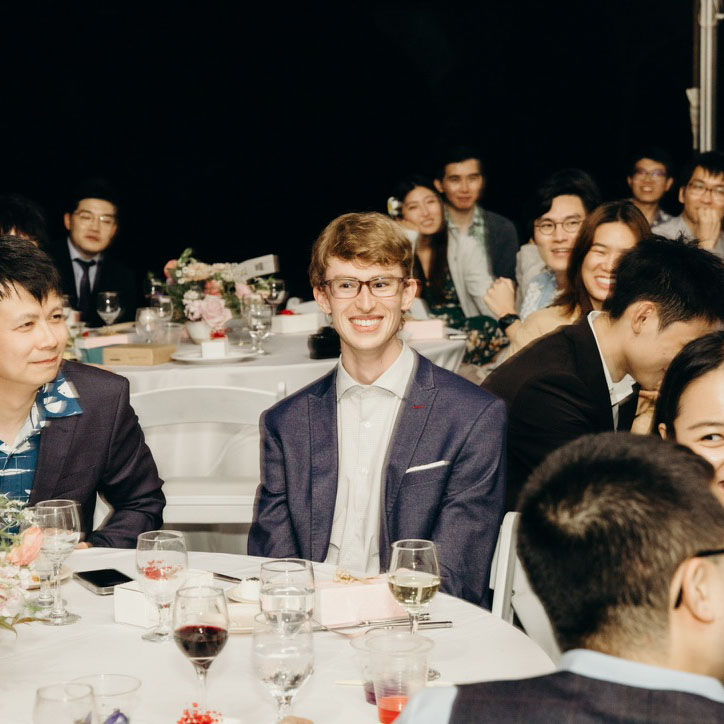
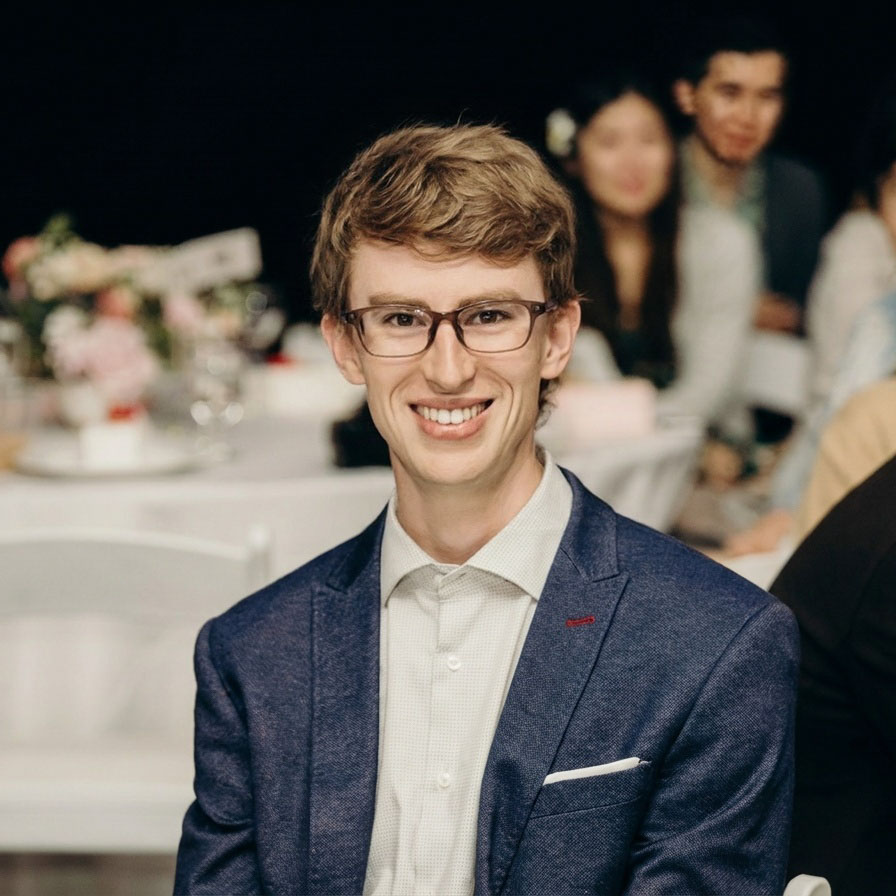
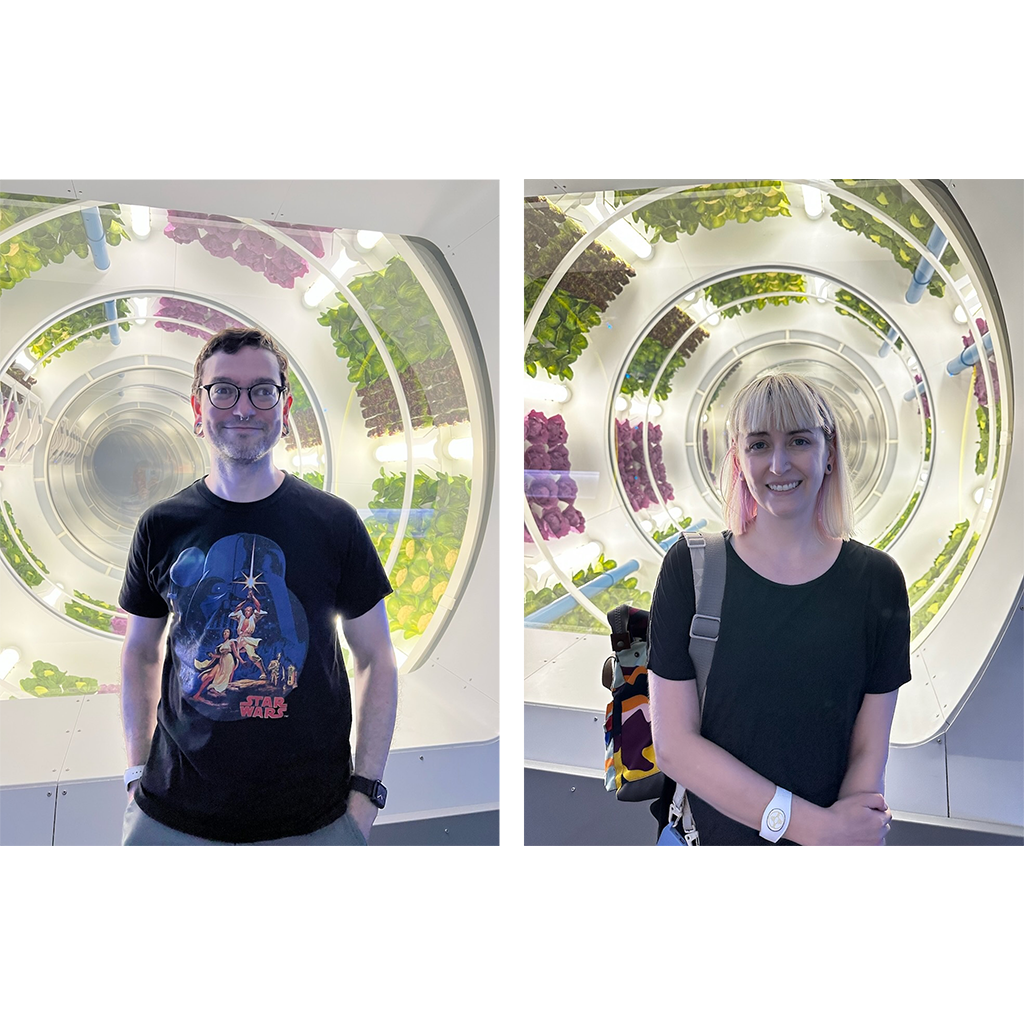
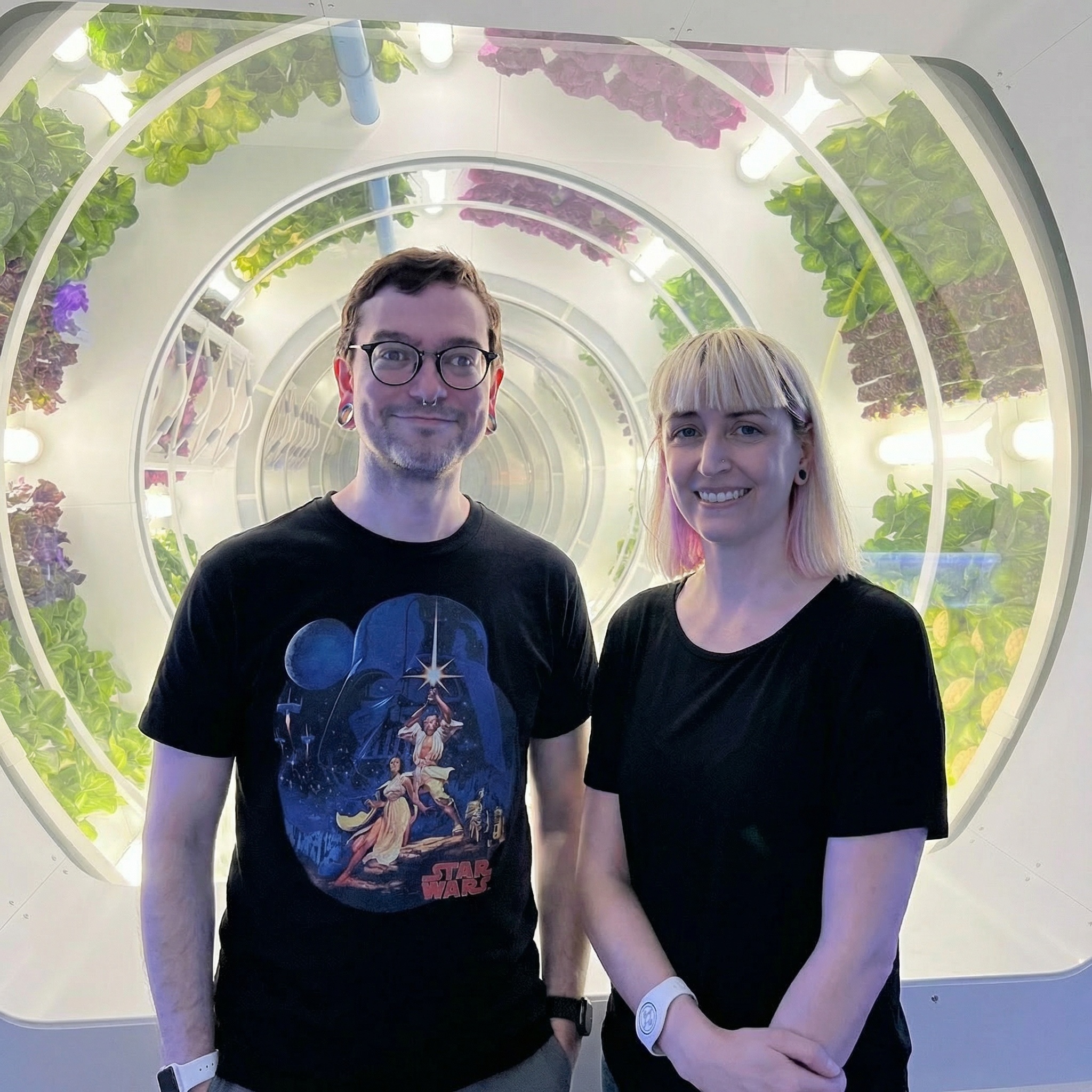
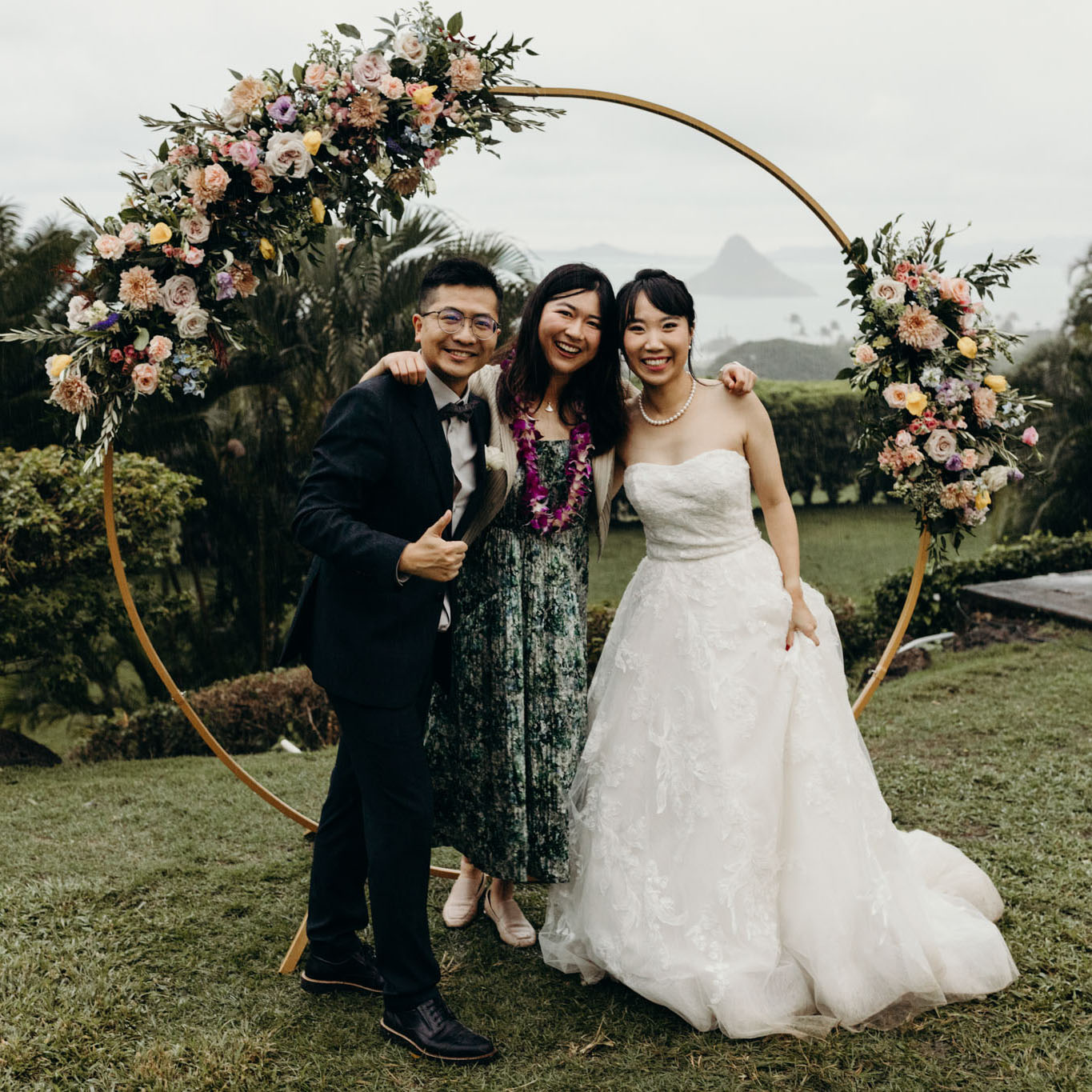
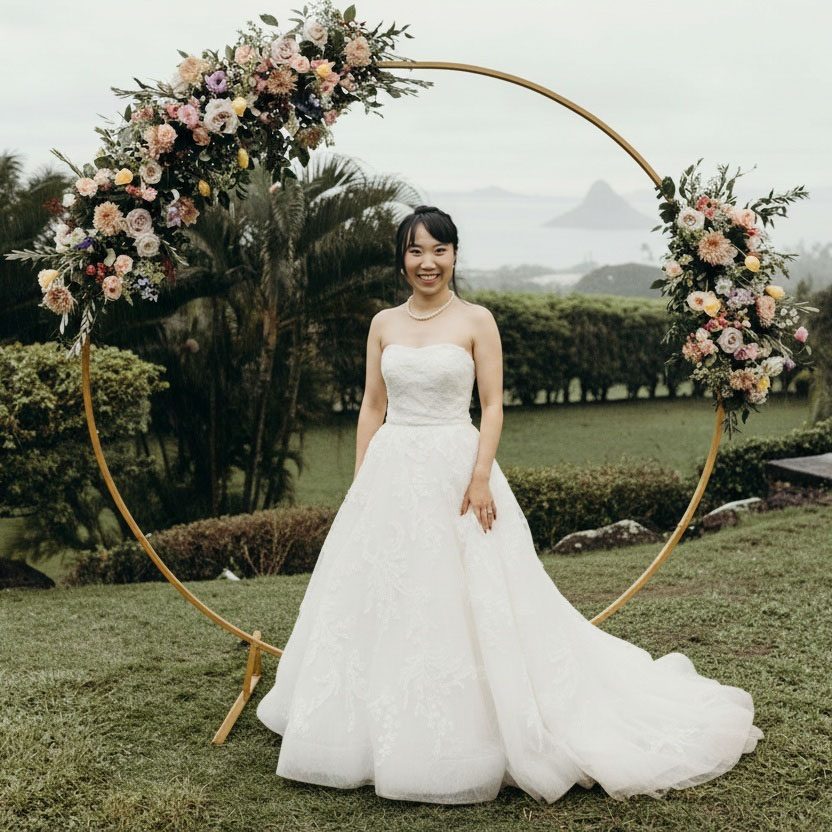
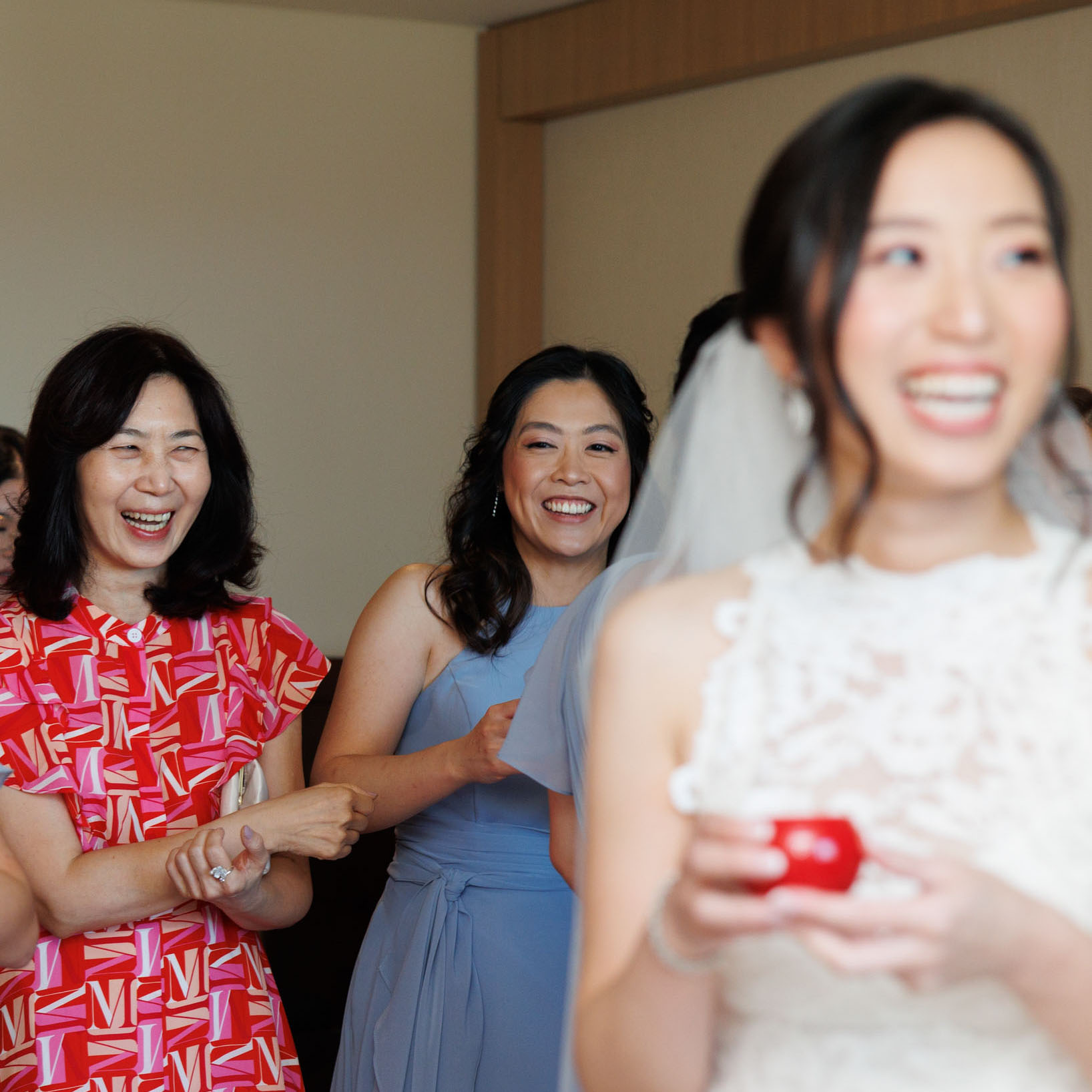
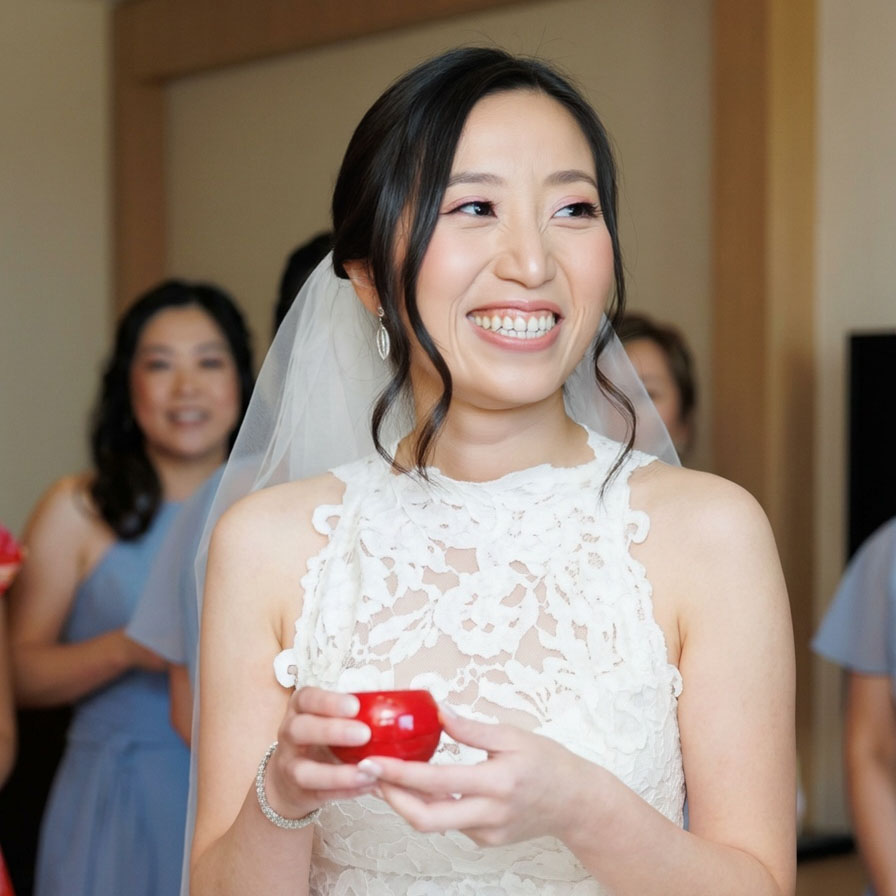
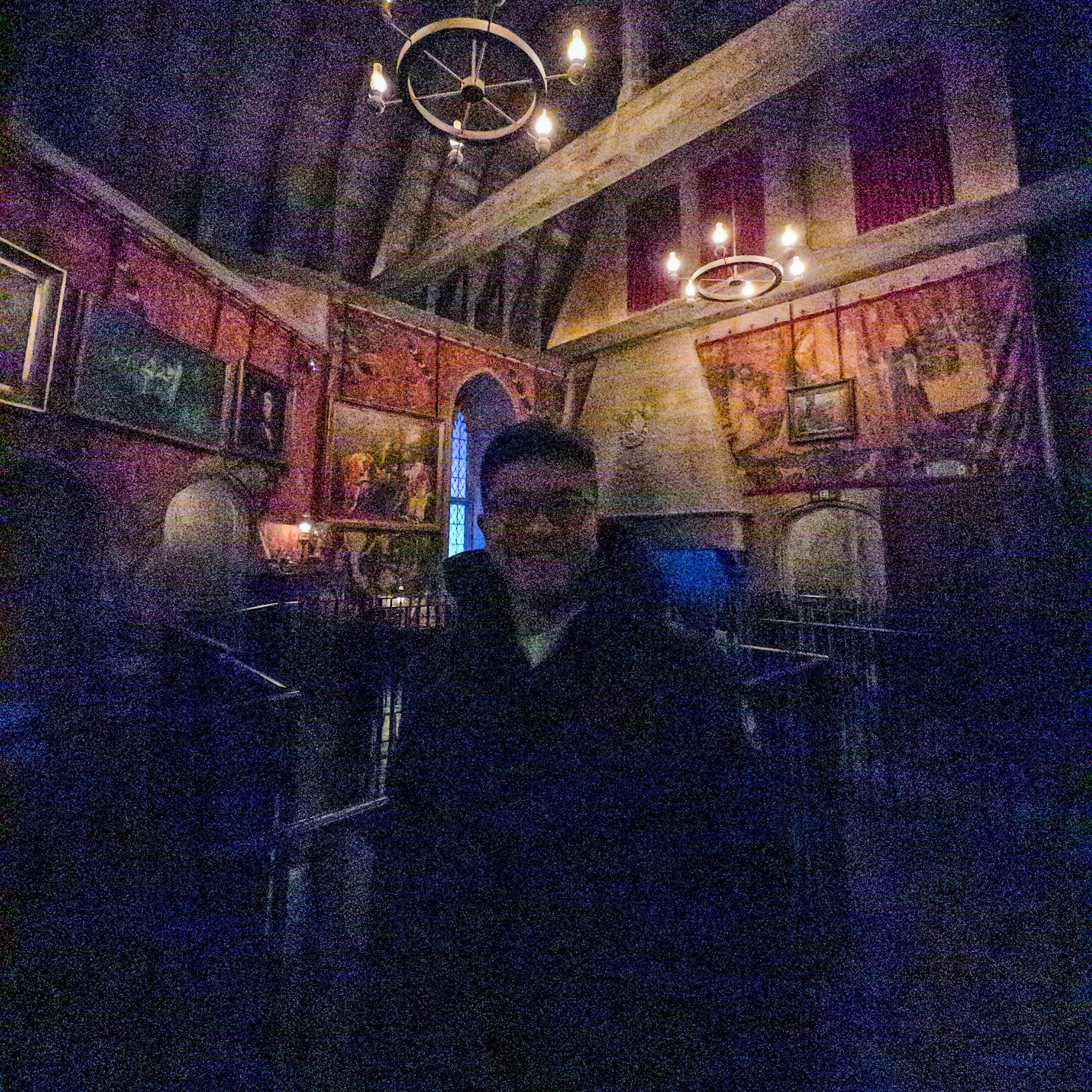
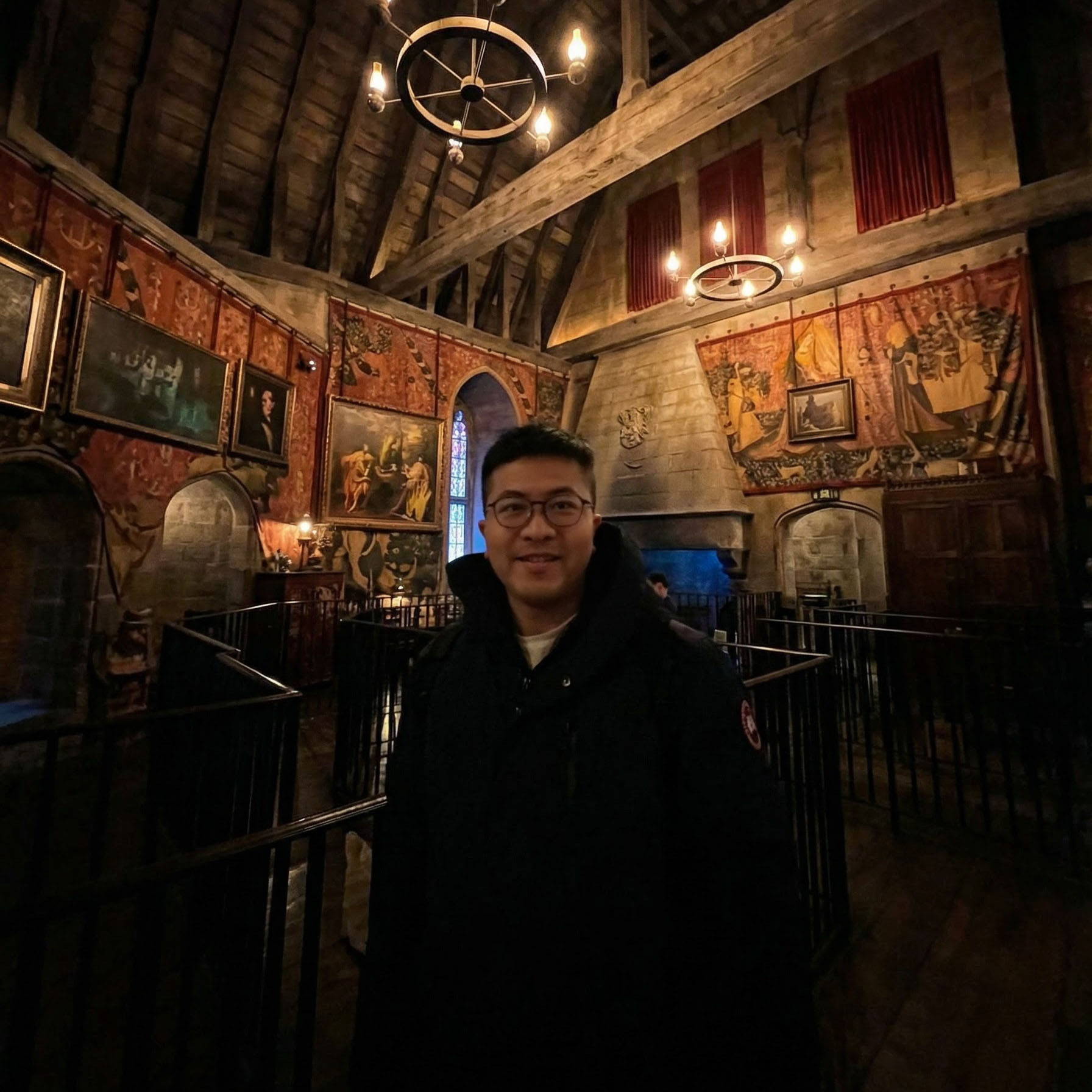
Provide one or more input images and a text prompt describing the desired transformation. Phota applies the edit while preserving
the identity of any known subjects in the photo.

<div className="ba-carousel">
  <input type="radio" name="edit-carousel" id="edit-1" defaultChecked className="ba-radio" />

  <input type="radio" name="edit-carousel" id="edit-2" className="ba-radio" />

  <input type="radio" name="edit-carousel" id="edit-3" className="ba-radio" />

  <div className="ba-slides">
    <div className="ba-slide">
      <div className="ba-card ba-before">
        <img src="https://storage.googleapis.com/photaserverless/phota_api/docs/edit_before_8.jpg" alt="Input photo" />

        <span className="ba-label">Before</span>
      </div>

      <div className="ba-card ba-after">
        <img src="https://storage.googleapis.com/photaserverless/phota_api/docs/edit_after_8.jpg" alt="Edited output" />

        <span className="ba-label">After</span>
      </div>

      <span className="ba-prompt">"Make \[\[abc123]] look at the camera and create a portrait shot."</span>
    </div>

    <div className="ba-slide">
      <div className="ba-card ba-before">
        <img src="https://storage.googleapis.com/photaserverless/phota_api/docs/add_them_before.png" alt="Input photo" />

        <span className="ba-label">Before</span>
      </div>

      <div className="ba-card ba-after">
        <img src="https://storage.googleapis.com/photaserverless/phota_api/docs/add_them_after.jpg" alt="Edited output" />

        <span className="ba-label">After</span>
      </div>

      <span className="ba-prompt">"Combine \[\[abc123]] from the first image and \[\[def456]] from the second image in one group shot."</span>
    </div>

    <div className="ba-slide">
      <div className="ba-card ba-before">
        <img src="https://storage.googleapis.com/photaserverless/phota_api/docs/edit_before_6_1.jpg" alt="Input photo" />

        <span className="ba-label">Before</span>
      </div>

      <div className="ba-card ba-after">
        <img src="https://storage.googleapis.com/photaserverless/phota_api/docs/edit_after_6_1.jpg" alt="Edited output" />

        <span className="ba-label">After</span>
      </div>

      <span className="ba-prompt">"Convert to a solo portrait of \[\[abc123]]."</span>
    </div>
  </div>

  <div className="ba-controls">
    <label className="ba-arrow ba-arrow-left" />

    <label htmlFor="edit-1" className="ba-dot" />

    <label htmlFor="edit-2" className="ba-dot" />

    <label htmlFor="edit-3" className="ba-dot" />

    <label className="ba-arrow ba-arrow-right" />
  </div>
</div>

Fix expressions, add or remove people from group shots, adjust camera angle and lighting, clean up artifacts — all while keeping subjects with known profiles accurately represented.

### Generate

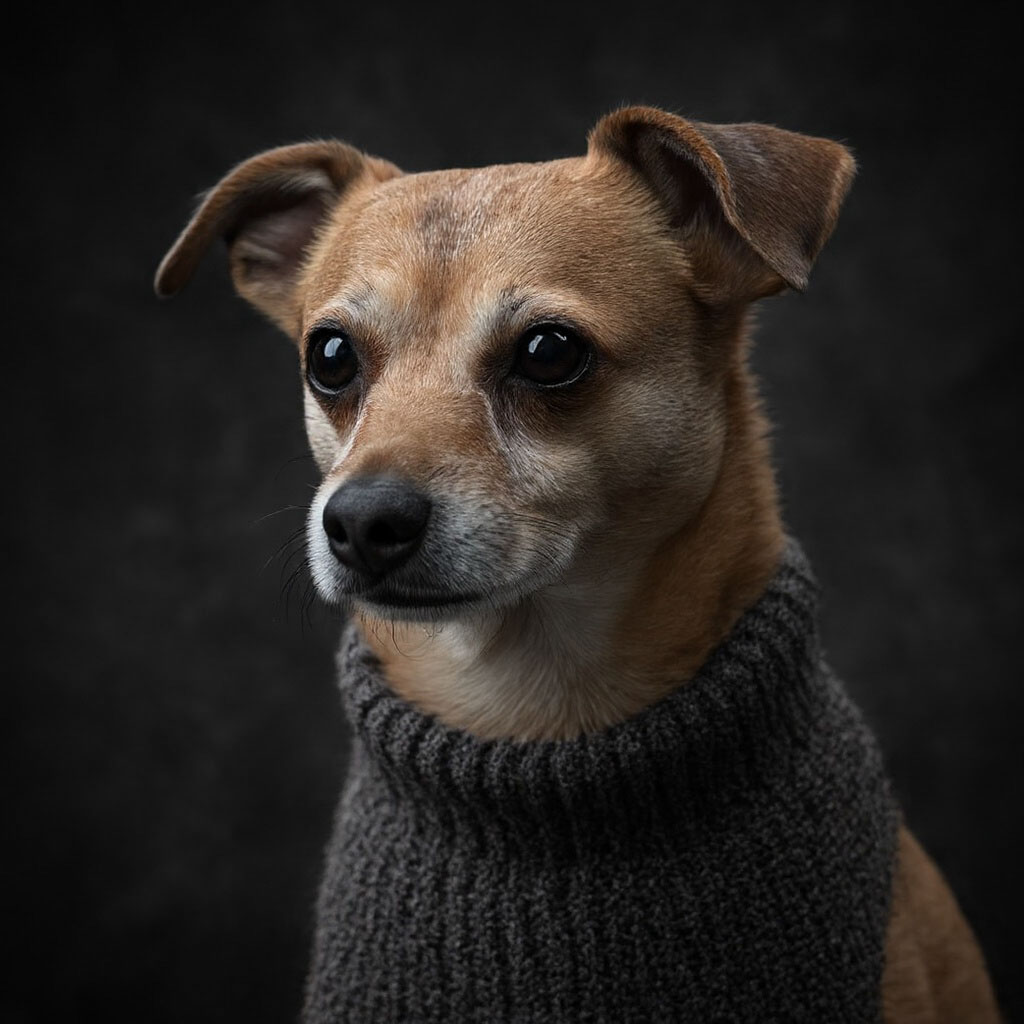
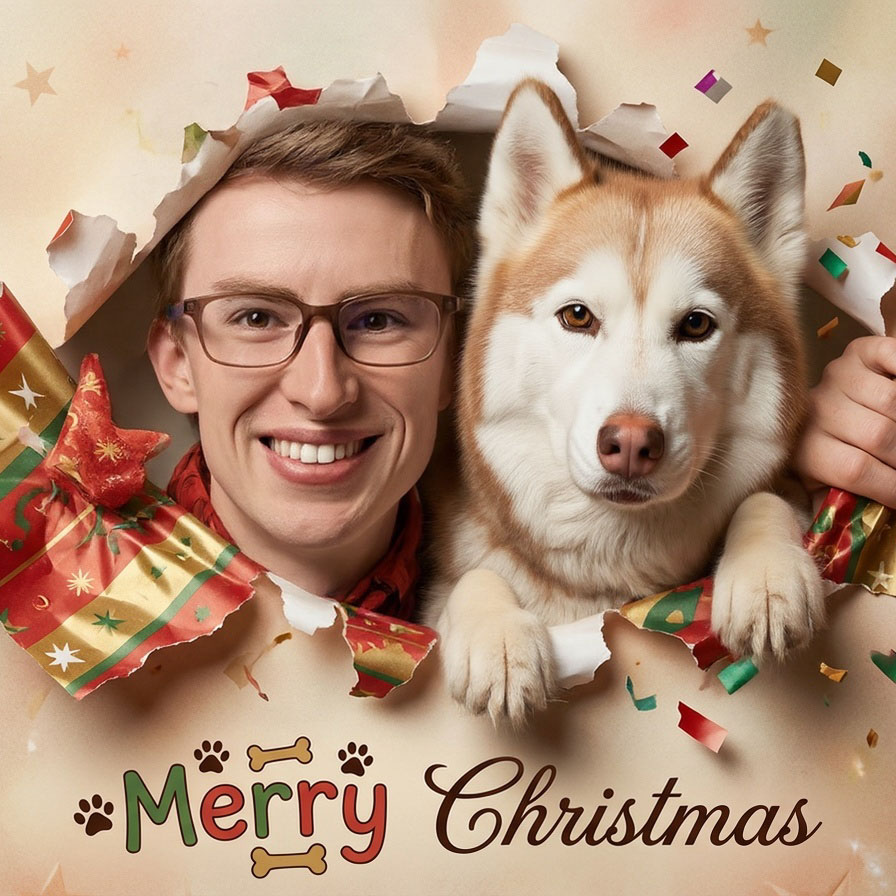
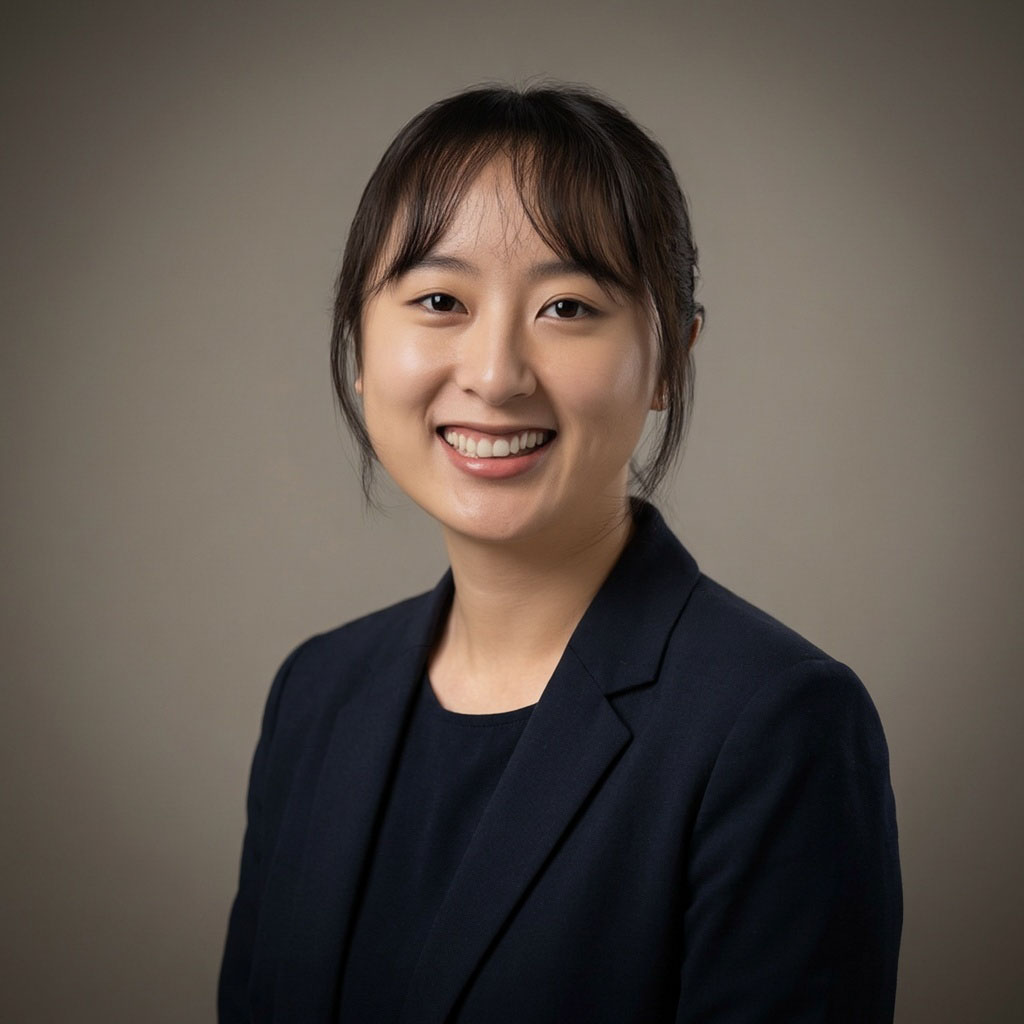
Describe what you want in a text prompt. Reference one or more trained profiles so every generated image looks like the actual person (or pet).

<div className="ba-carousel ba-carousel-compact">
  <input type="radio" name="gen-carousel" id="gen-1" defaultChecked className="ba-radio" />

  <input type="radio" name="gen-carousel" id="gen-2" className="ba-radio" />

  <input type="radio" name="gen-carousel" id="gen-3" className="ba-radio" />

  <div className="ba-slides">
    <div className="ba-slide ba-slide-single">
      <div className="ba-card ba-after">
        <img src="https://storage.googleapis.com/photaserverless/phota_api/docs/gen_nash_1.jpg" alt="Generated image" />

        <span className="ba-label">Phota</span>
      </div>

      <span className="ba-prompt">"Artistic Noir Studio Headshot of \[\[abc123]], chest up. Introspective expression, gaze directed slightly off-camera, subtle three-quarter head tilt."</span>
    </div>

    <div className="ba-slide ba-slide-single">
      <div className="ba-card ba-after">
        <img src="https://storage.googleapis.com/photaserverless/phota_api/docs/gen_card_0_1.jpg" alt="Generated image" />

        <span className="ba-label">Phota</span>
      </div>

      <span className="ba-prompt">"Playful, photorealistic portrait of \[\[abc123]] and \[\[def456]], emerging through torn festive paper. Their hands emerge through the torn paper, holding the edges as if the subjects are emerging from the paper."</span>
    </div>

    <div className="ba-slide ba-slide-single">
      <div className="ba-card ba-after">
        <img src="https://storage.googleapis.com/photaserverless/phota_api/docs/gen_pro_portrait_1.jpg" alt="Generated image" />

        <span className="ba-label">Phota</span>
      </div>

      <span className="ba-prompt">"Professional corporate headshot of \[\[abc123]]. Off-center to the right, smiling at camera, confident expression."</span>
    </div>
  </div>

  <div className="ba-controls">
    <label className="ba-arrow ba-arrow-left" />

    <label htmlFor="gen-1" className="ba-dot" />

    <label htmlFor="gen-2" className="ba-dot" />

    <label htmlFor="gen-3" className="ba-dot" />

    <label className="ba-arrow ba-arrow-right" />
  </div>
</div>

Great for professional headshots, holiday cards, family portraits, profile pictures, influencer-style shoots in any setting.

### Enhance

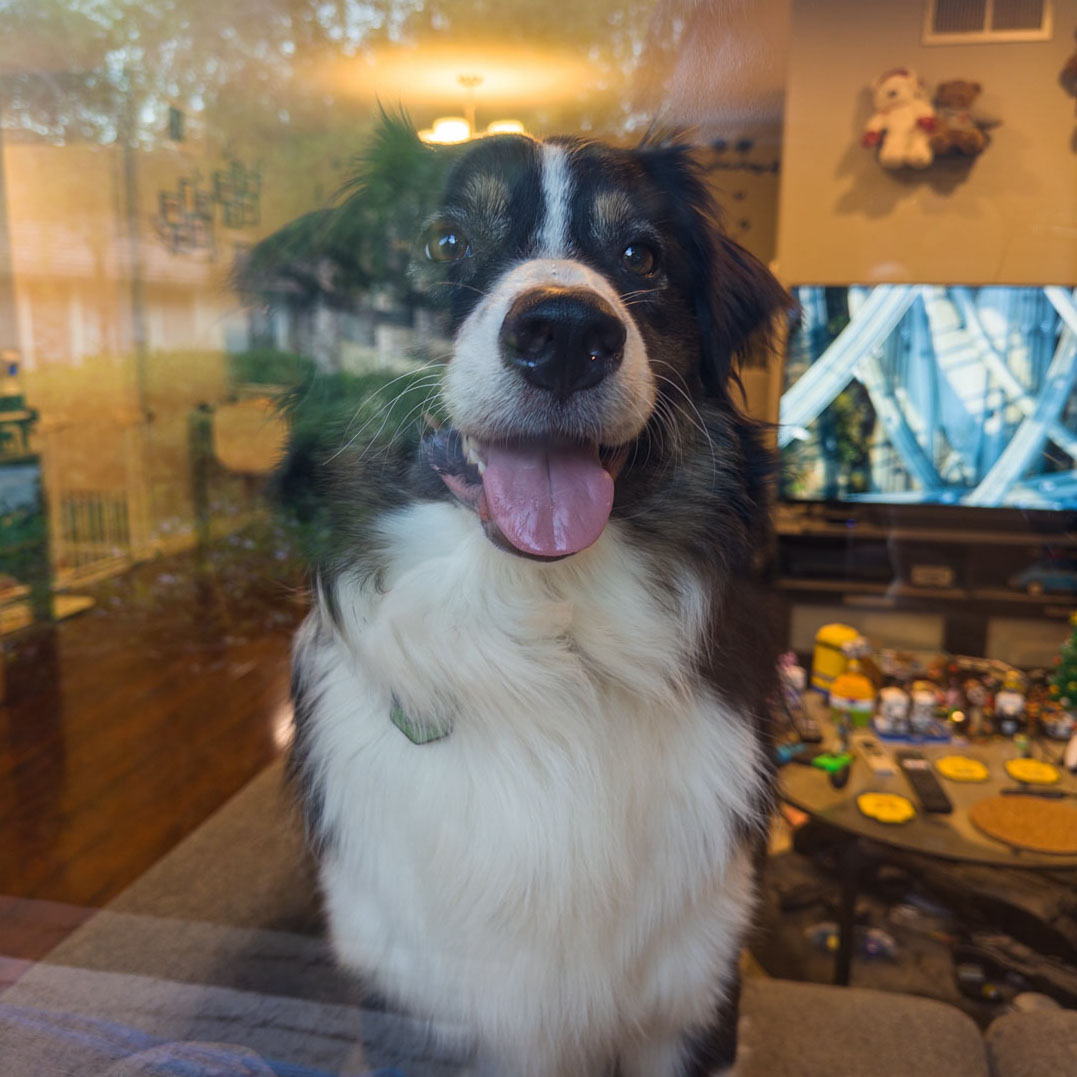
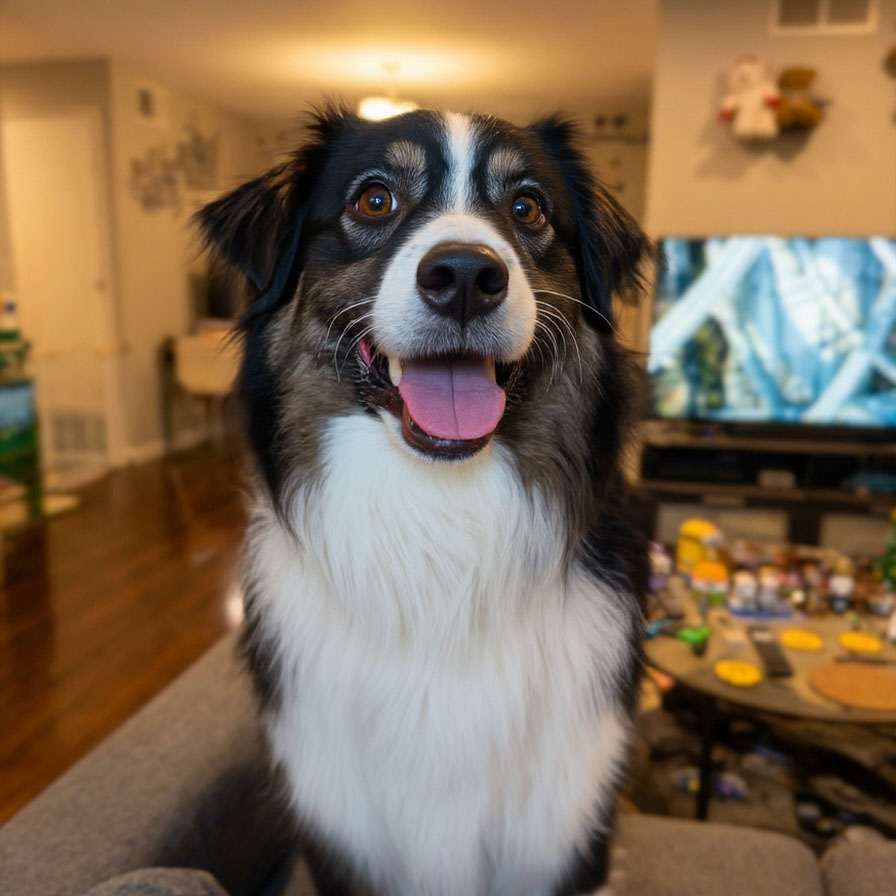
Upload a photo, get a better photo back. **No prompt, no configuration.** Phota automatically improves lighting, composition, color, and overall photographic quality.

<div className="ba-carousel">
  <input type="radio" name="enhance-carousel" id="enhance-1" defaultChecked className="ba-radio" />

  <input type="radio" name="enhance-carousel" id="enhance-2" className="ba-radio" />

  <input type="radio" name="enhance-carousel" id="enhance-3" className="ba-radio" />

  <div className="ba-slides">
    <div className="ba-slide">
      <div className="ba-card ba-before">
        <img src="https://storage.googleapis.com/photaserverless/phota_api/docs/enhance_before_1.jpg" alt="Original photo" />

        <span className="ba-label">Before</span>
      </div>

      <div className="ba-card ba-after">
        <img src="https://storage.googleapis.com/photaserverless/phota_api/docs/enhance_after_1.jpg" alt="Enhanced photo" />

        <span className="ba-label">After</span>
      </div>
    </div>

    <div className="ba-slide">
      <div className="ba-card ba-before">
        <img src="https://storage.googleapis.com/photaserverless/phota_api/docs/enhance_before_2.jpg" alt="Original photo" />

        <span className="ba-label">Before</span>
      </div>

      <div className="ba-card ba-after">
        <img src="https://storage.googleapis.com/photaserverless/phota_api/docs/enhance_after_2.jpg" alt="Enhanced photo" />

        <span className="ba-label">After</span>
      </div>
    </div>

    <div className="ba-slide">
      <div className="ba-card ba-before">
        <img src="https://storage.googleapis.com/photaserverless/phota_api/docs/enhance_before_3.jpg" alt="Original photo" />

        <span className="ba-label">Before</span>
      </div>

      <div className="ba-card ba-after">
        <img src="https://storage.googleapis.com/photaserverless/phota_api/docs/enhance_after_3.jpg" alt="Enhanced photo" />

        <span className="ba-label">After</span>
      </div>
    </div>
  </div>

  <div className="ba-controls">
    <label className="ba-arrow ba-arrow-left" />

    <label htmlFor="enhance-1" className="ba-dot" />

    <label htmlFor="enhance-2" className="ba-dot" />

    <label htmlFor="enhance-3" className="ba-dot" />

    <label className="ba-arrow ba-arrow-right" />
  </div>
</div>

Works on photos with poor lighting, compression artifacts, blur, and other common defects.

### Remix

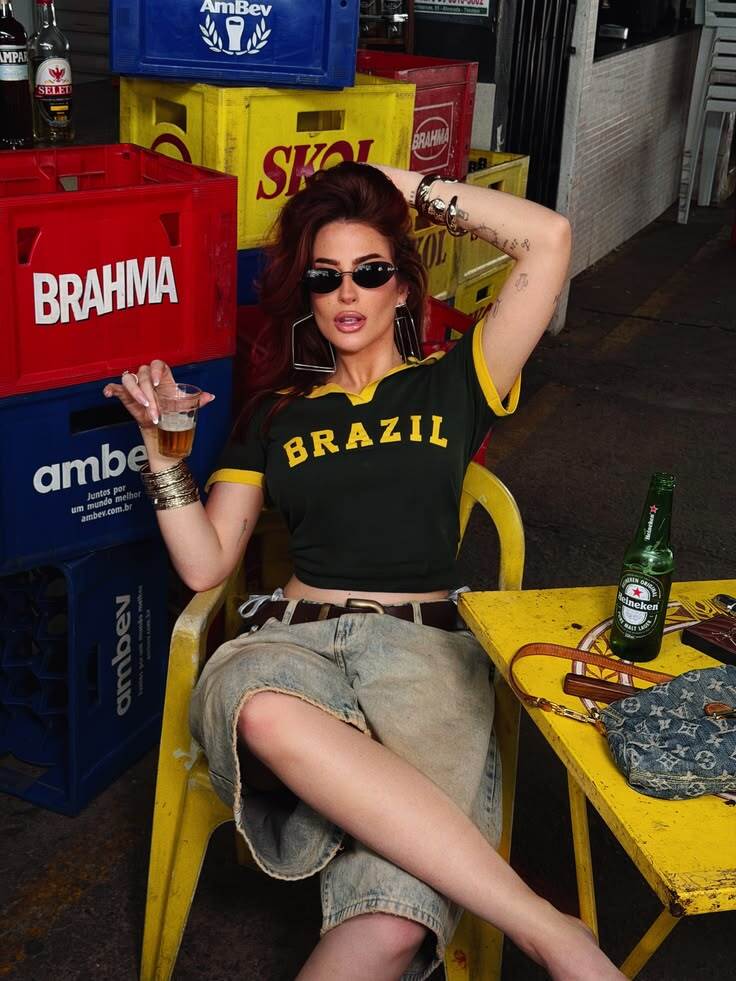
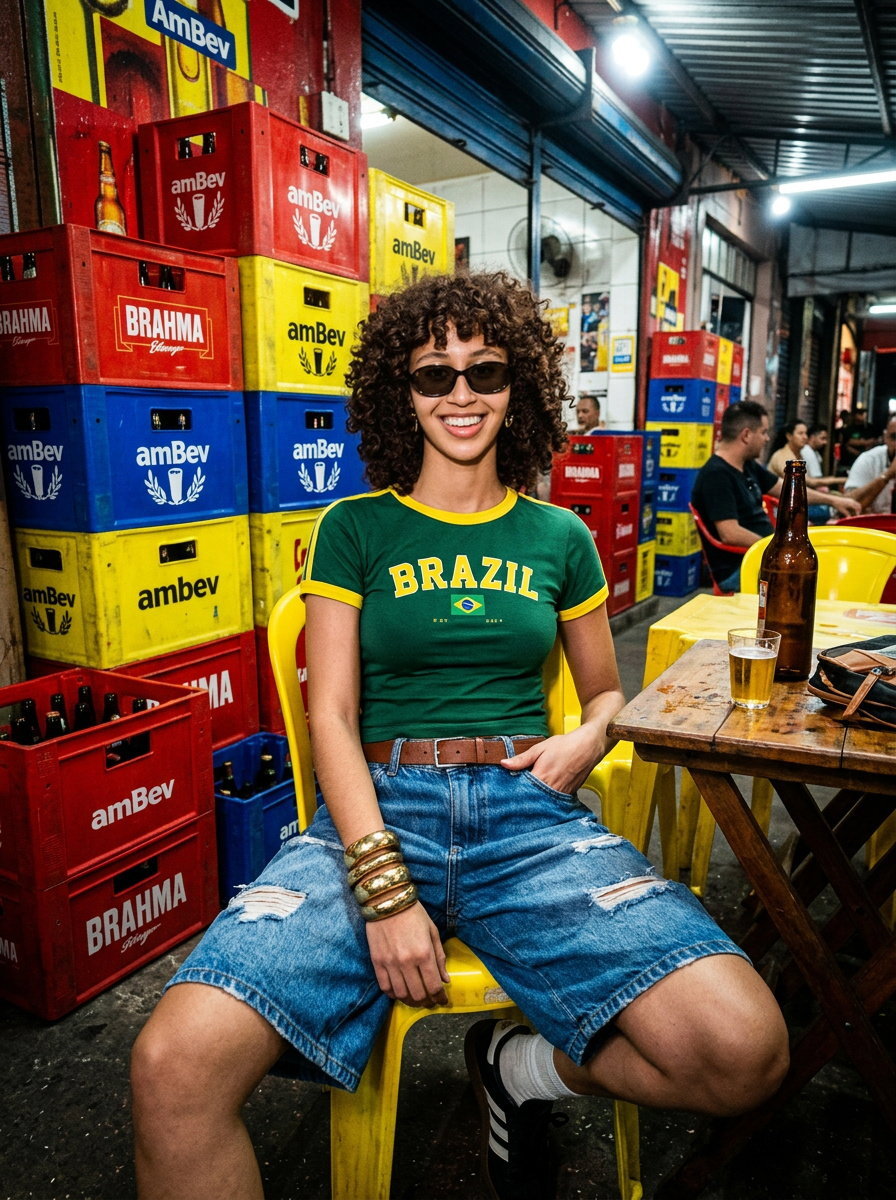
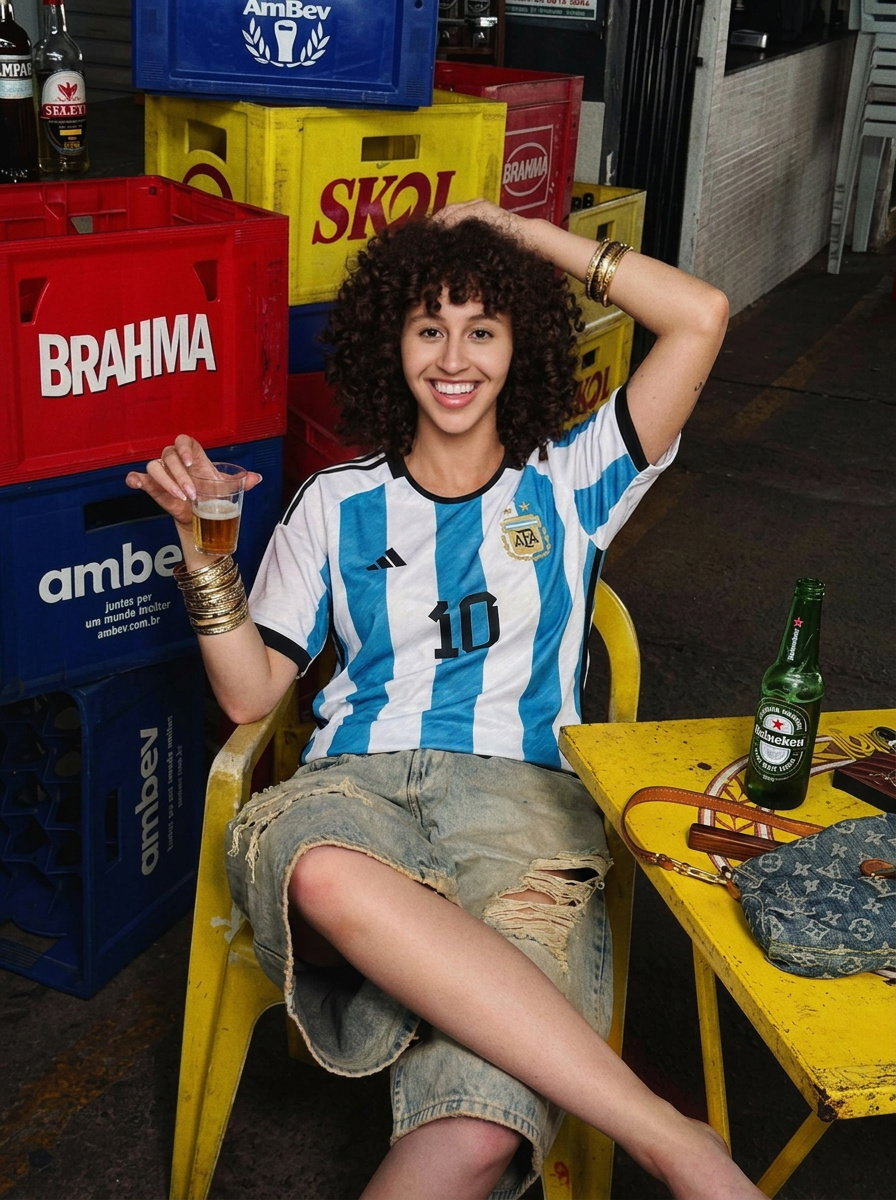
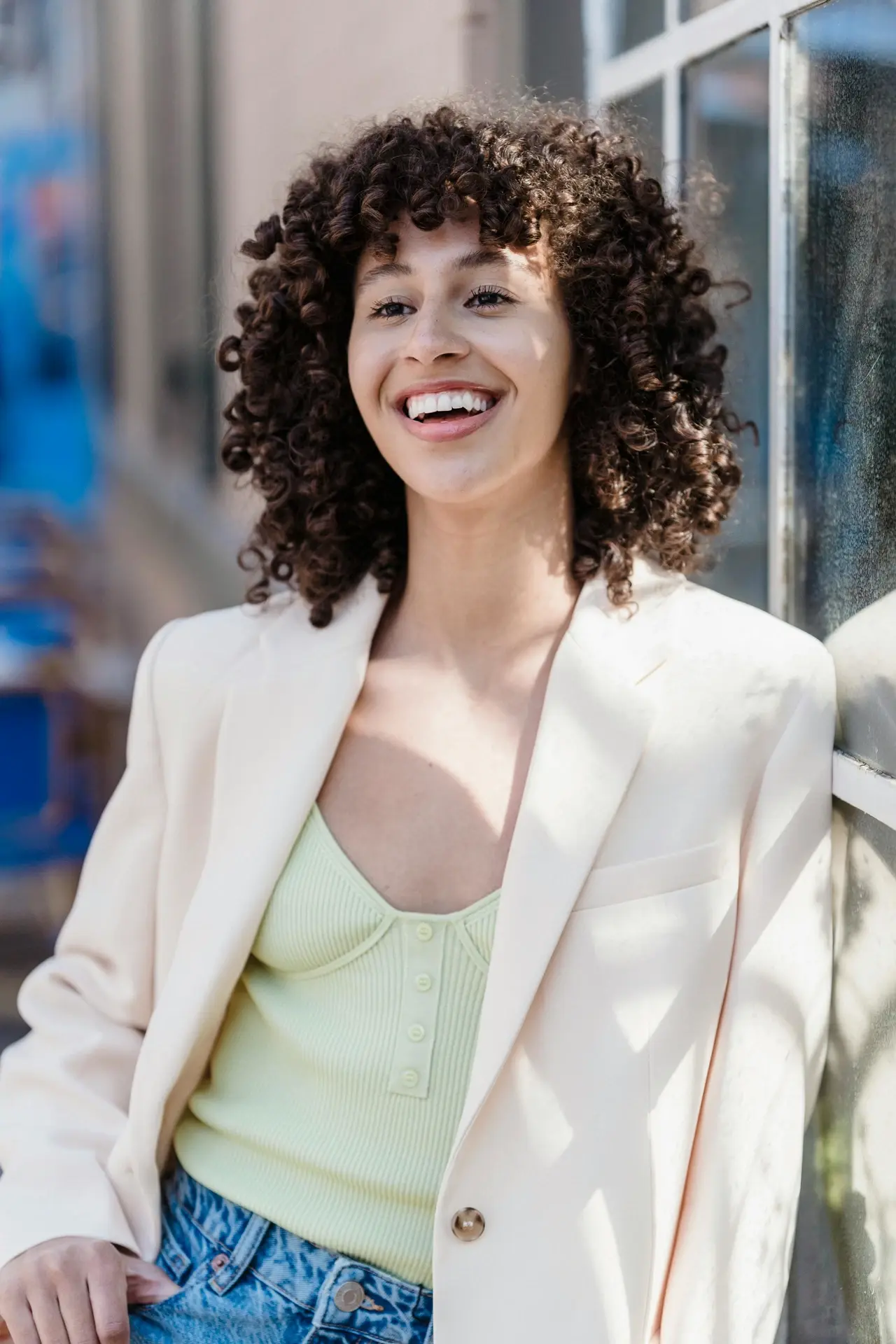
Provide your photo and a reference image with the look you want. Phota renders your photo's content in the
reference's style — lighting, palette, mood — while keeping known subjects accurately represented.
<div className="ba-remix-eq">
  <div className="ba-remix-inputs">
    <div className="ba-card ba-before">
      <img src="https://assets.photalabs.com/phota_api/docs/remix-input.webp" alt="Input photo" />

      <span className="ba-label">Input</span>
    </div>

    <span className="ba-op">+</span>

    <div className="ba-card ba-before">
      <img src="https://assets.photalabs.com/phota_api/docs/remix-style.jpg" alt="Style reference" />

      <span className="ba-label">Reference</span>
    </div>
  </div>

  <span className="ba-op ba-op-stack">=</span>

  <div className="ba-carousel ba-remix-output">
    <input type="radio" name="idx-rmx-out" id="idx-rmx-out-1" defaultChecked className="ba-radio" />

    <input type="radio" name="idx-rmx-out" id="idx-rmx-out-2" className="ba-radio" />

    <div className="ba-slides">
      <div className="ba-slide ba-slide-single">
        <div className="ba-card ba-after">
          <img src="https://assets.photalabs.com/phota_api/docs/remix-out-no-instruct.jpg" alt="Remixed output" />

          <span className="ba-label">Output</span>
        </div>

        <span className="ba-prompt">No prompt — pure style transfer</span>
      </div>

      <div className="ba-slide ba-slide-single">
        <div className="ba-card ba-after">
          <img src="https://assets.photalabs.com/phota_api/docs/remix-out-with-instruct.jpg" alt="Remixed output steered by a prompt" />

          <span className="ba-label">Output</span>
        </div>

        <span className="ba-prompt">Prompt: "no sunglasses; let her wear an argentina jersey instead, same pose as in reference"</span>
      </div>
    </div>

    <div className="ba-controls">
      <label className="ba-arrow ba-arrow-left" />

      <label htmlFor="idx-rmx-out-1" className="ba-dot" />

      <label htmlFor="idx-rmx-out-2" className="ba-dot" />

      <label className="ba-arrow ba-arrow-right" />
    </div>
  </div>
</div>

Apply a brand look, a film aesthetic, or any visual treatment that already exists as an image — no prompt
engineering required. See the [Remix guide](/guides/remix).

***

## How profiles work

To preserve someone's identity, you first create a **profile** by uploading reference photos of the same subject — from as few as {MIN_QUICK_PROFILE_PHOTOS} (Quick Train) up to {MAX_PROFILE_PHOTOS} (Full Train).
Phota learns their appearance and returns a `profile_id` you can reference in any request using `[[profile_id]]` syntax.

People and pets (cats and dogs) are supported. Group photos are fine — Phota automatically creates a profile for the subject that appears most often across all uploaded images.

The API only considers profiles explicitly passed in each request -- if you don't include any, no identity preservation is applied, even if trained profiles exist in your account.

**A typical integration looks like this:** your user uploads photos of themselves, you train a profile via the API, and then pass that profile in every edit or generation you run for them.
Multi-person scenes work too — just reference multiple `[[profile_id]]` values in a single prompt.

<Card title="Learn more about profiles" icon="user" href="/guides/profiles">
  Understand the full profile creation process, prompt syntax, and image requirements.
</Card>

***

## Get started

<CardGroup cols={2}>
  <Card title="Authentication" icon="key" href="/api/authentication">
    Learn how to authenticate your API requests with an API key.
  </Card>

  <Card title="Use cases" icon="images" href="/guides/use-cases">
    See detailed examples of Edit, Generate, and Enhance with code snippets.
  </Card>

  <Card title="API reference" icon="code" href={API_REFERENCE_URL}>
    Explore every endpoint, request schema, and response format.
  </Card>

  <Card title="Profiles guide" icon="user-group" href="/guides/profiles">
    Deep-dive into profiles, identity preservation, and the \[\[profile\_id]] syntax.
  </Card>

  <Card title="Release notes" icon="clock-rotate-left" href="/release-notes">
    See what's new and what's changed.
  </Card>
</CardGroup>