

Welcome to the Phota API
Phota is the API for GenAI-powered photography, specialized to solve the last-mile problem of identity preservation. Generic image models can’t reliably preserve what a specific person looks like. Phota can. By running our proprietary identity-perserving model together with flagship image editing models (such as Nano Banana), Phota API allows you to integrate identity-preserved photo editing, generation, and enhancement into your application. Train a profile from – reference photos of a subject. Then edit, generate, or enhance images where that person is accurately represented — every time. Reference one or more profiles in any request using[[profile_id]] syntax.
Base URL: https://api.photalabs.com/v1/phota
Capabilities
Edit
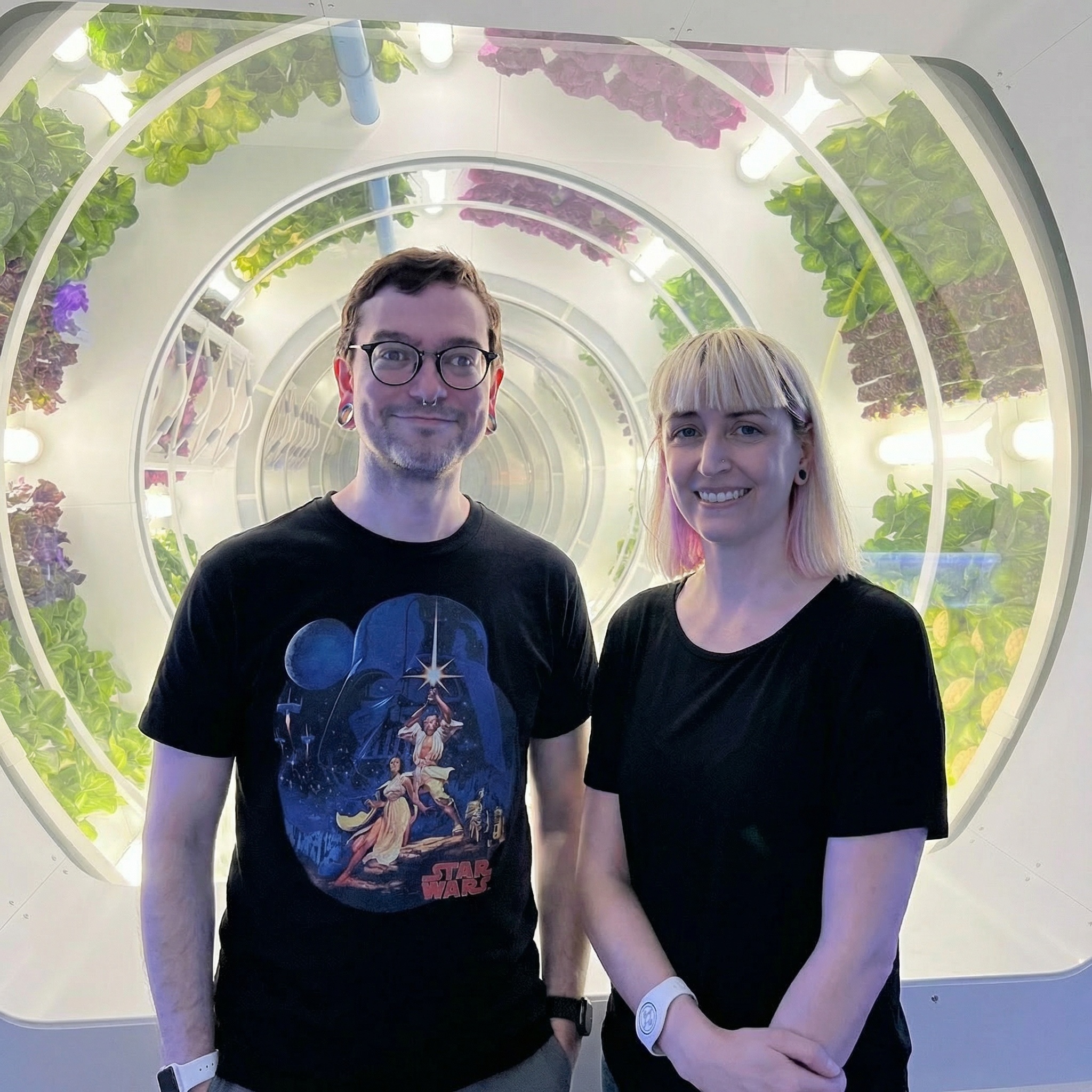
Provide one or more input images and a text prompt describing the desired transformation. Phota applies the edit while preserving the identity of any known subjects in the photo.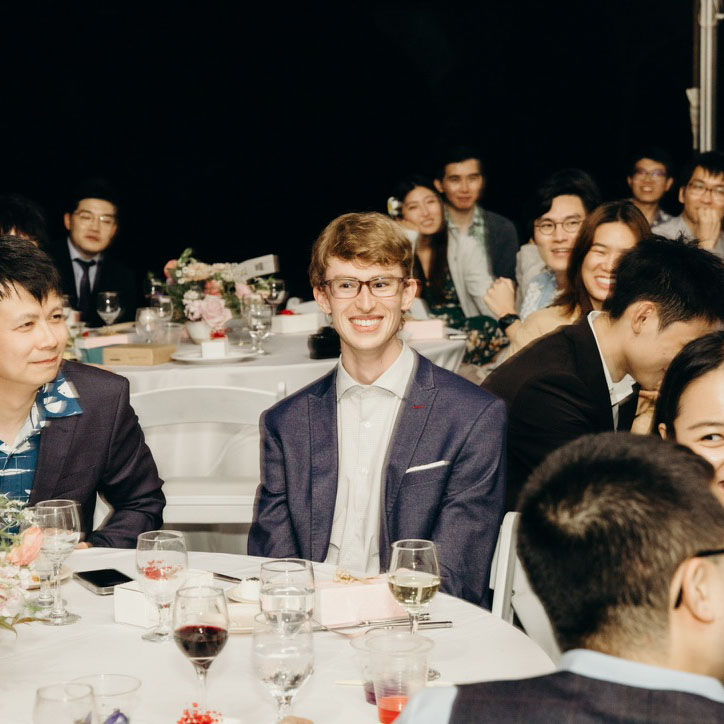 Before
 After
After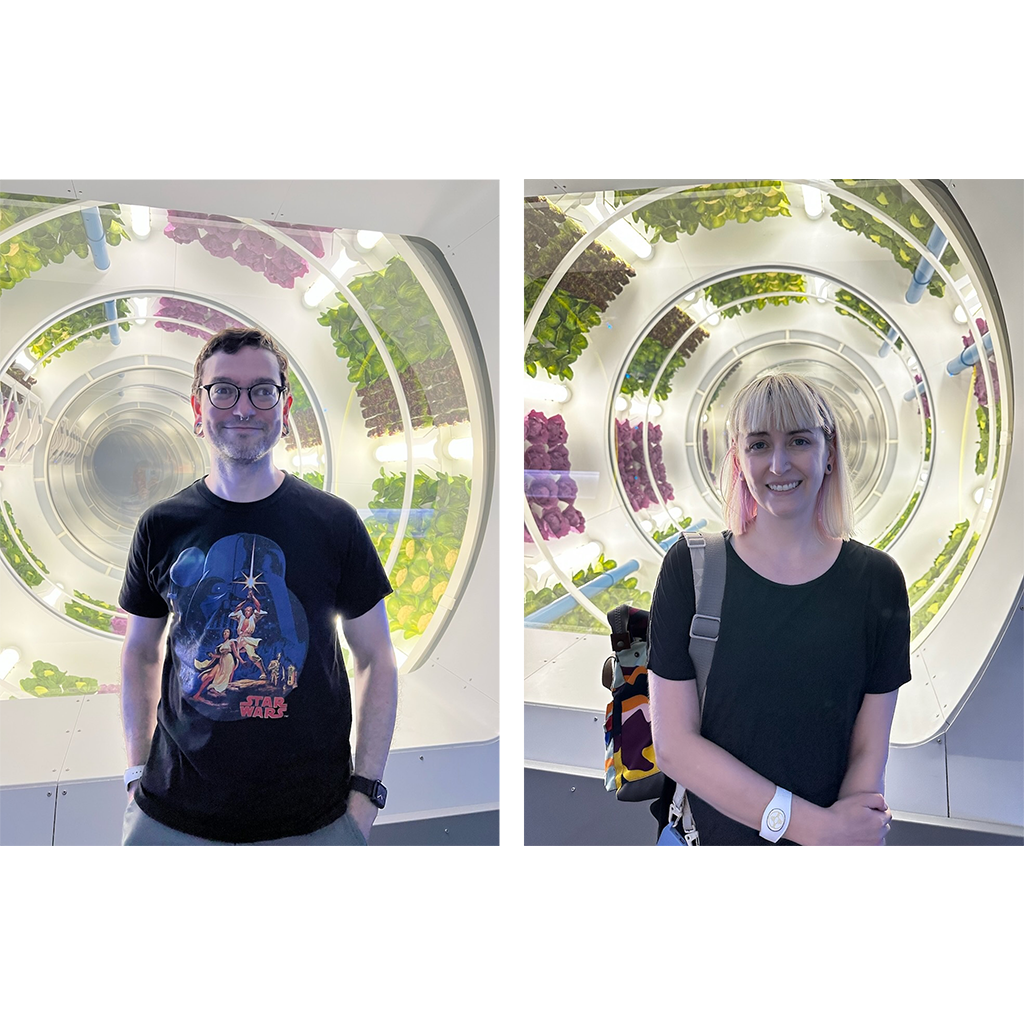 Before
 After
After Before
 After
AfterGenerate
Describe what you want in a text prompt. Reference one or more trained profiles so every generated image looks like the actual person (or pet).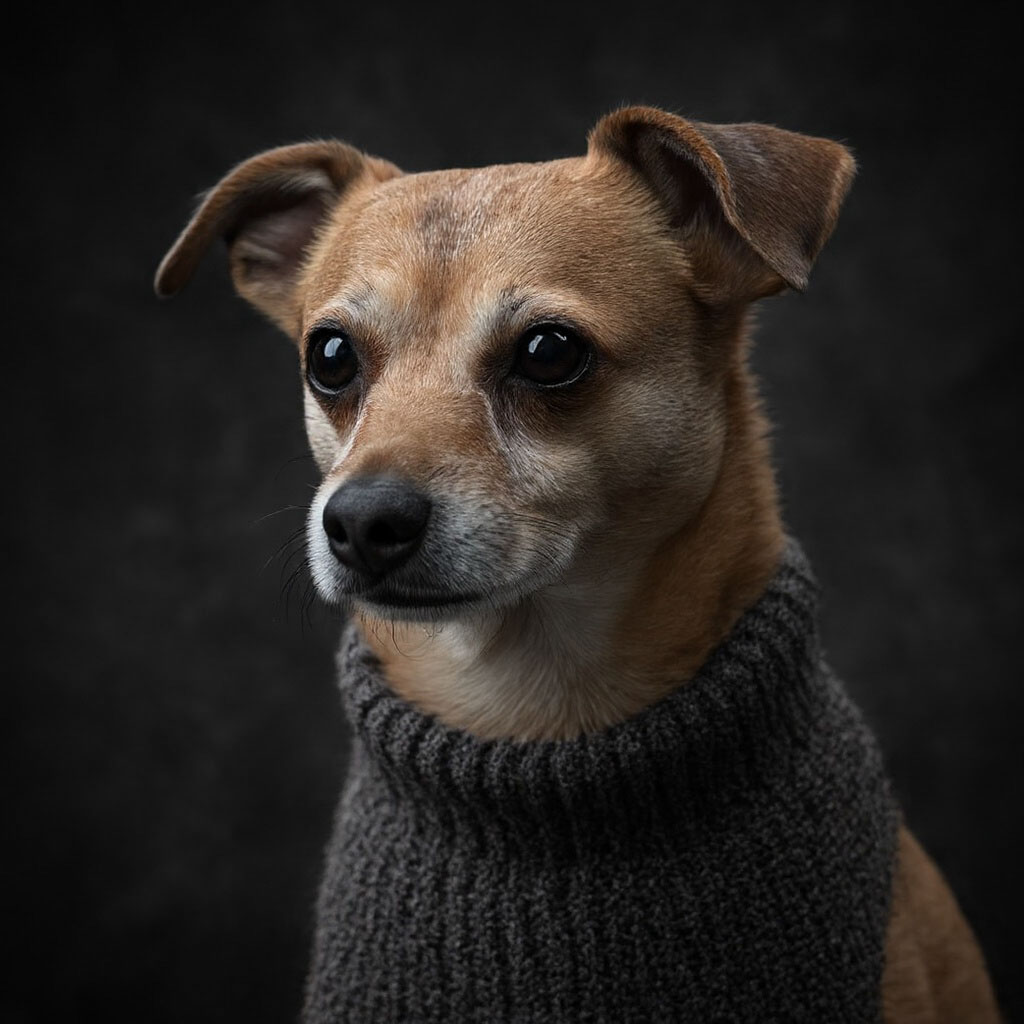 Phota
Phota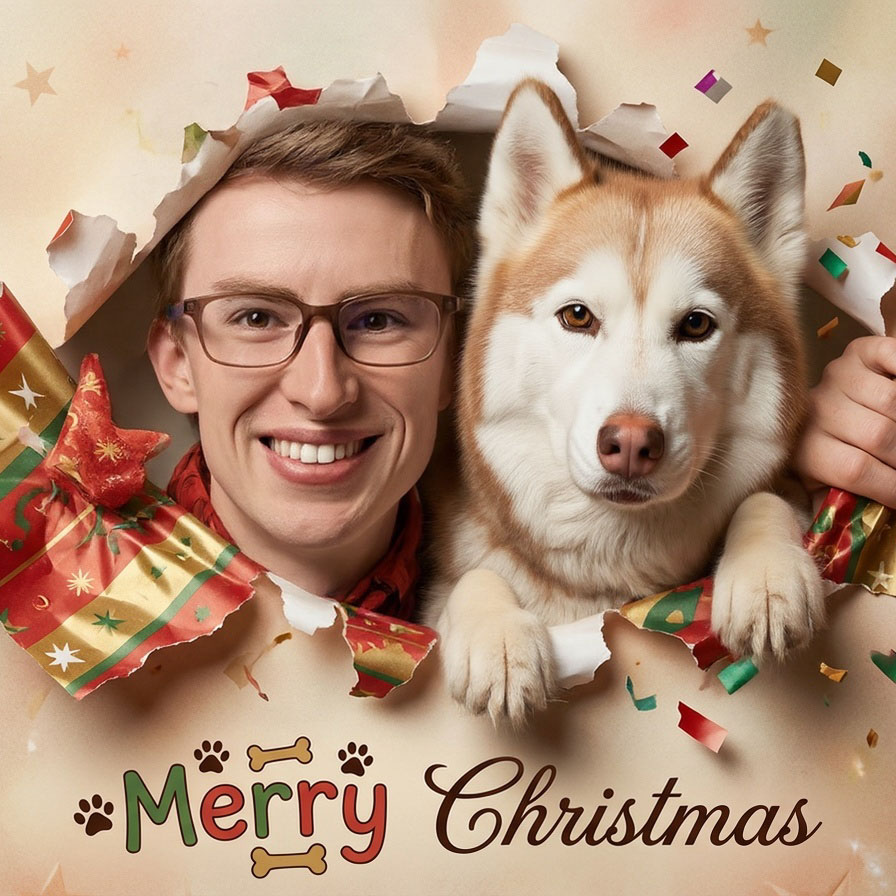 Phota
Phota Phota
PhotaEnhance
Upload a photo, get a better photo back. No prompt, no configuration. Phota automatically improves lighting, composition, color, and overall photographic quality. Before
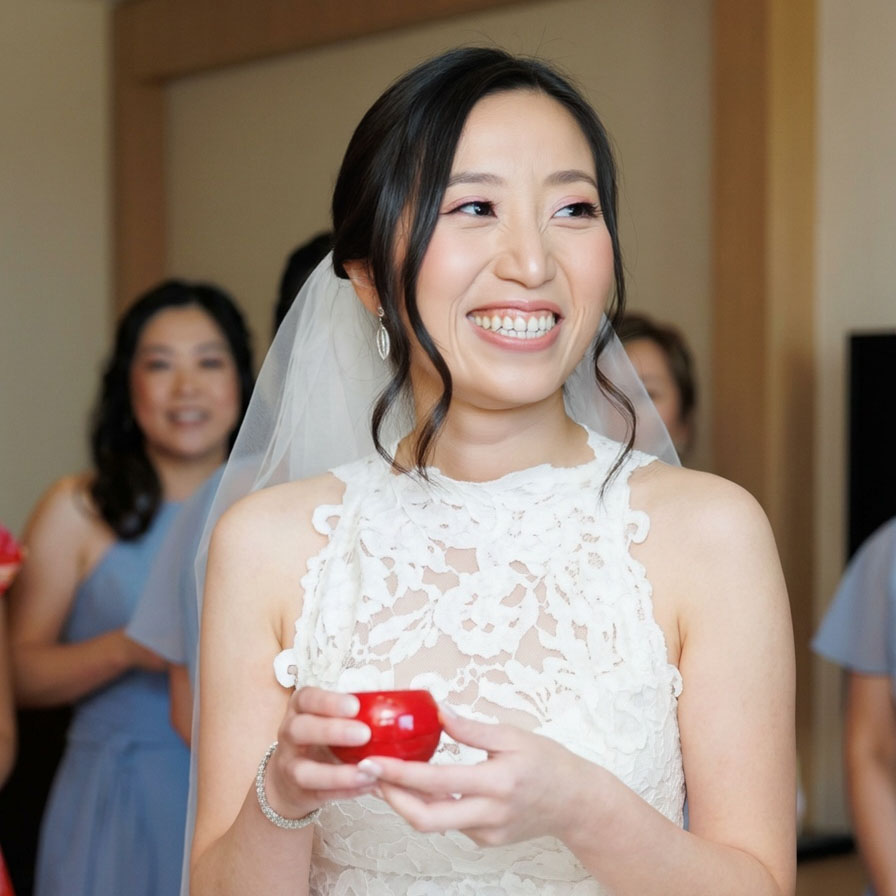 After
After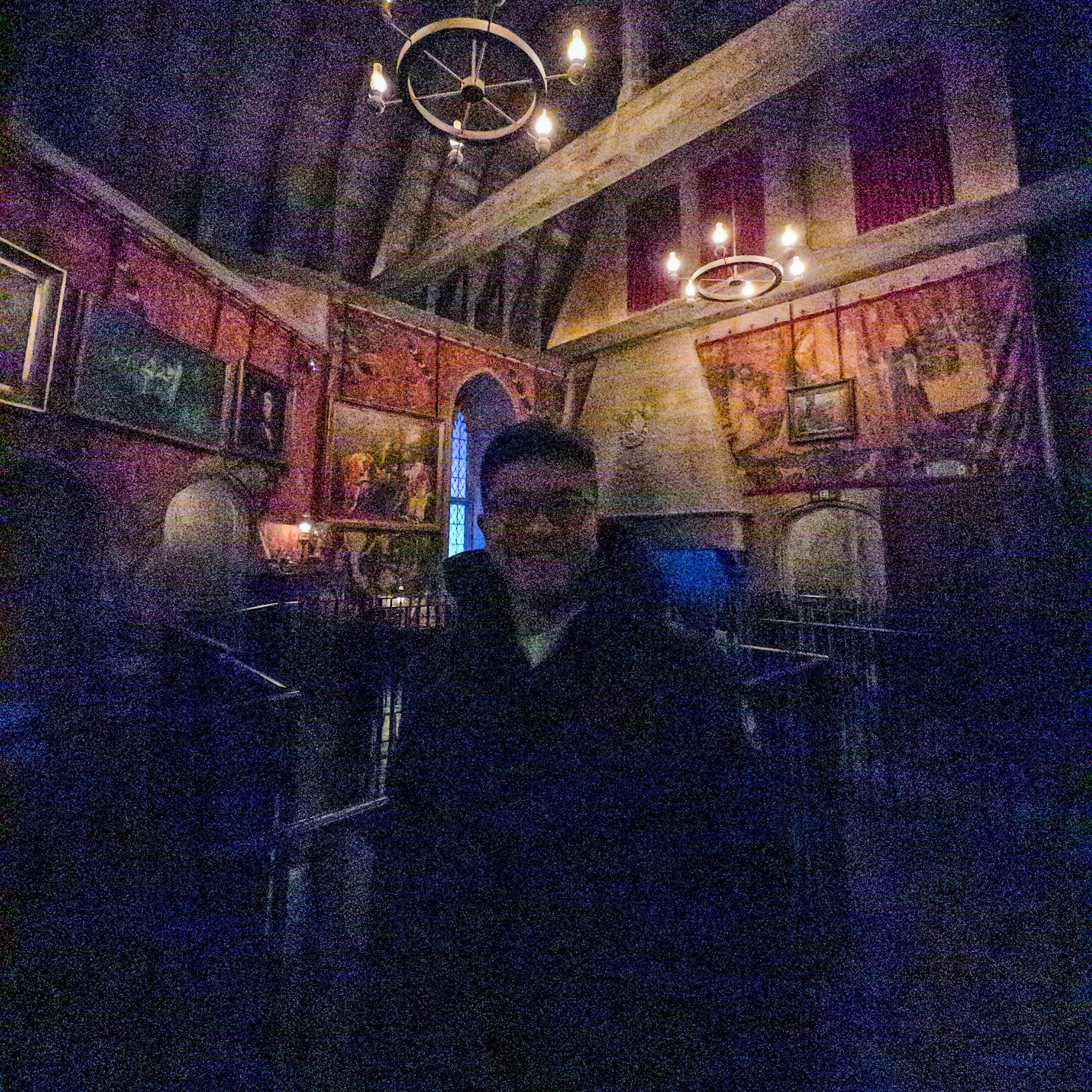 Before
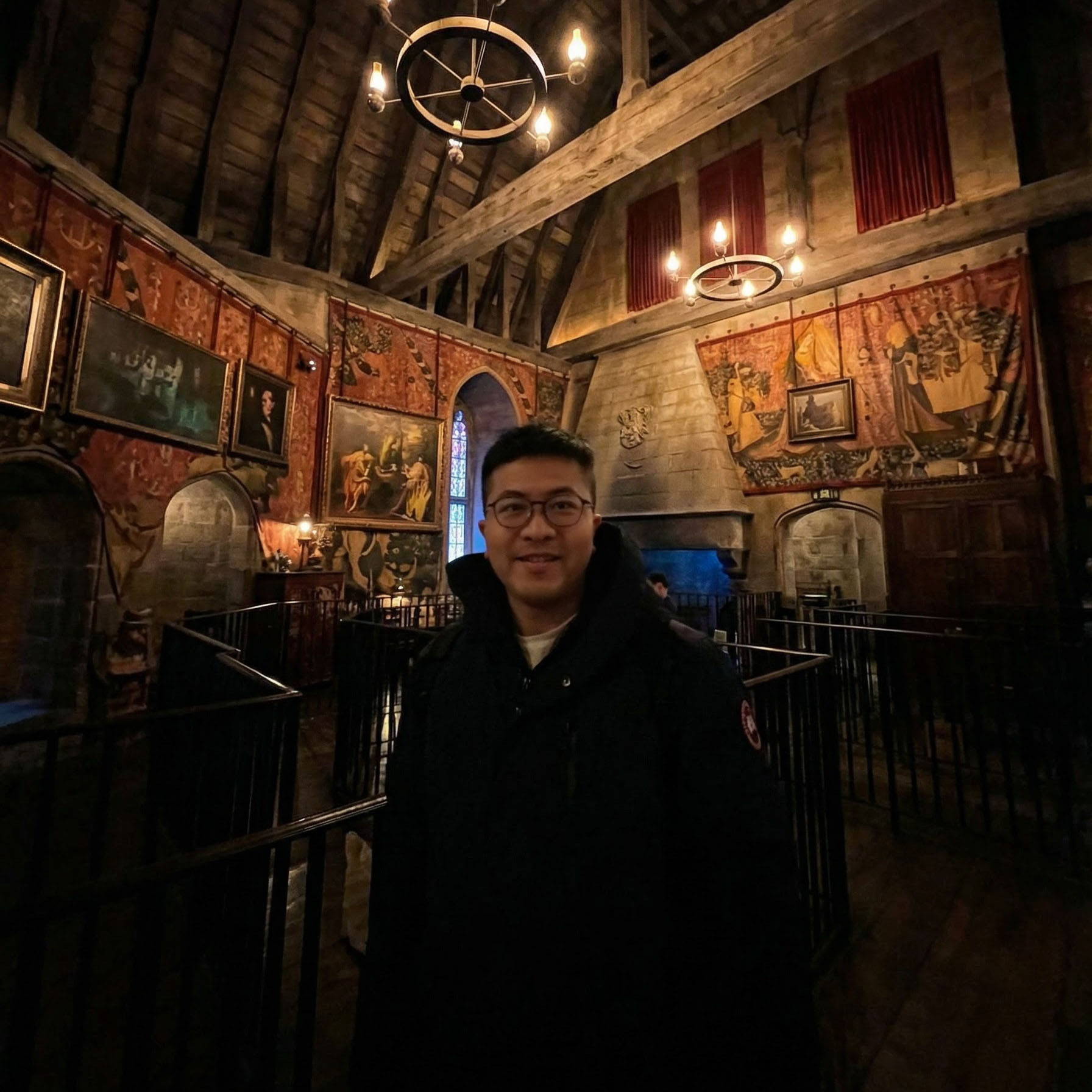 After
After Before
 After
AfterHow profiles work
To preserve someone’s identity, you first create a profile by uploading – reference photos of the same subject. Phota learns their appearance and returns aprofile_id you can reference in any request using [[profile_id]] syntax.
People and pets (cats and dogs) are supported. Group photos are fine — Phota automatically creates a profile for the subject that appears most often across all uploaded images.
The API only considers profiles explicitly passed in each request — if you don’t include any, no identity preservation is applied, even if trained profiles exist in your account.
A typical integration looks like this: your user uploads photos of themselves, you train a profile via the API, and then pass that profile in every edit or generation you run for them.
Multi-person scenes work too — just reference multiple [[profile_id]] values in a single prompt.
Learn more about profiles
Understand the full profile creation process, prompt syntax, and image requirements.
Get started
Authentication
Learn how to authenticate your API requests with an API key.
Use cases
See detailed examples of Edit, Generate, and Enhance with code snippets.
API reference
Explore every endpoint, request schema, and response format.
Profiles guide
Deep-dive into profiles, identity preservation, and the [[profile_id]] syntax.
Release notes
See what’s new and what’s changed.